Google Play screenshot generator.
Screenshot and feature graphic sizes for Android phones and tablets, the limits Play Console enforces, Google’s listing advice, and a free editor that exports at those sizes without a watermark.
- Free, no account
- Phone, tablet and feature graphic
- Nothing uploaded
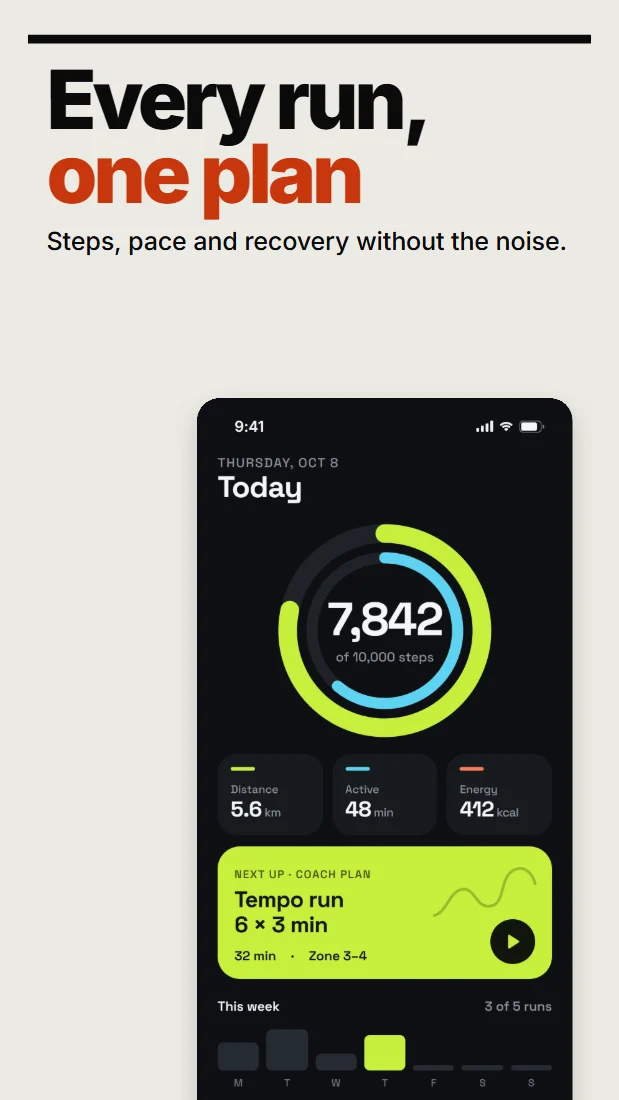
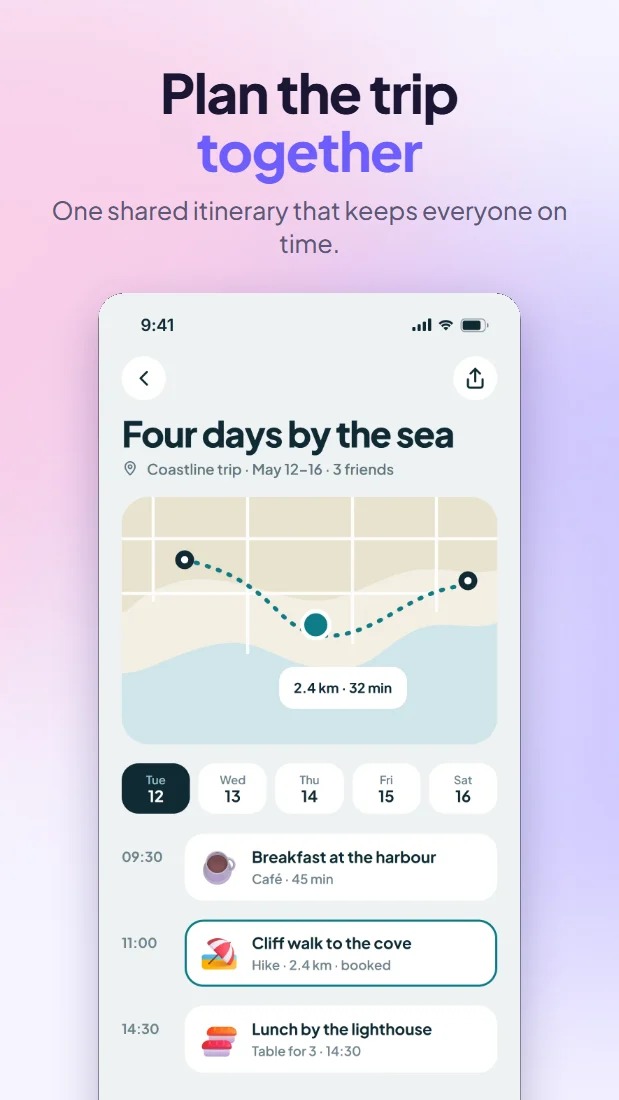
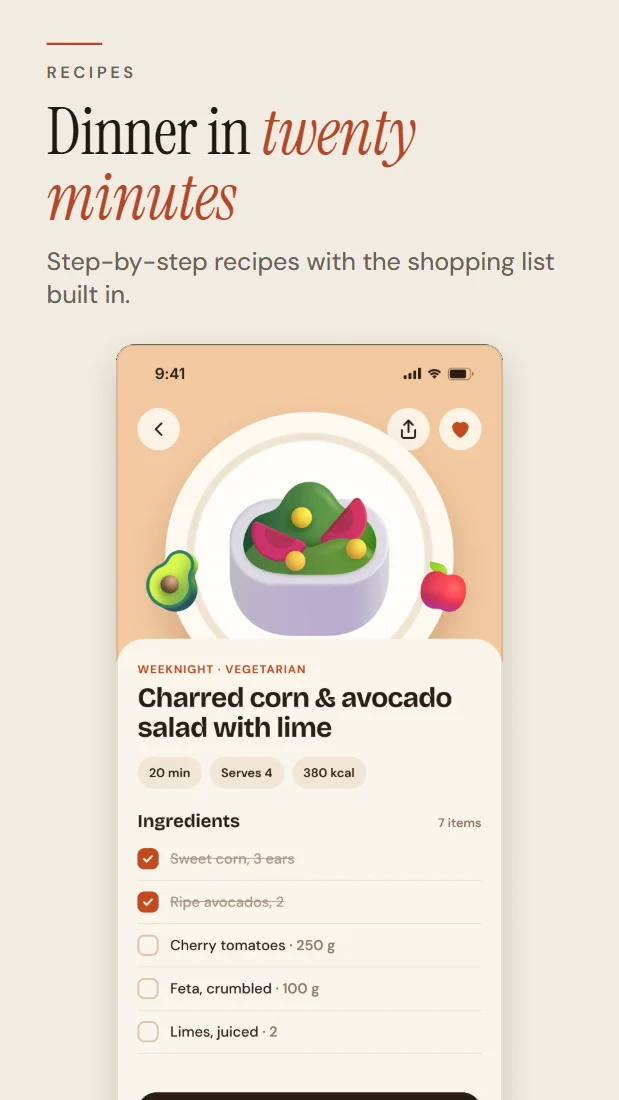
Sizes and limits.
Google Play is looser than Apple about exact sizes: anything inside its limits uploads. The sizes below are what ShipShots exports from each design.
What Play Console accepts
| Asset | Google’s rule | ShipShots exports, px |
|---|---|---|
| Phone screenshots | Each side between 320 and 3840 px, and the long side no more than 2× the short one. For promotion, at least 4 at 1080 px or more, in 9:16 portrait or 16:9 landscape. |
|
| 7″ and 10″ tablet screenshots | The same limits. For promotion, at least 4, in 9:16 or 16:9, with sides of 1080 px or more. |
|
| Feature graphic | Exactly 1024 × 500. Shown at the top of your listing and in some promotions. |
|
| Format | JPEG, or a 24-bit PNG without transparency. |
|
| How many | Up to 8 per device type, and at least two in total to publish. |
|
Google’s general limit is 3840 px a side, while its large-screen guidance allows up to 7680 px; every ShipShots size stays within 3840, which satisfies both.
What Google recommends.
Beyond the hard limits, Google’s listing advice decides whether your screenshots can be featured. ShipShots checks each point before you export.
Enough screenshots, sharp enough
Google only uses a listing’s screenshots in promotions and recommendations when there are at least 4, each 1080 px or more on the short side.
In ShipShots: every phone and tablet size is 1080 px or more, and the store preview warns when a set has fewer than 4.
Short taglines
Google suggests keeping text to under 20% of the image, so the app itself does the talking.
In ShipShots: the store check estimates how much of each screenshot is text and flags anything over 20%.
No device frames
Google advises against device frames, store badges and pictures of people holding devices.
In ShipShots: Google Play designs start without a frame, and adding one shows a note.
No promotional claims
Rankings and offers such as “Best”, “#1”, “Top”, “New” or “Sale”, and calls to action such as “Download now”, don’t belong on Play screenshots.
In ShipShots: those words are flagged on Google Play designs.
File size
Very detailed PNGs at large sizes can grow heavy, and Play Console caps how big an upload can be.
In ShipShots: the store check estimates each file and flags any over 8 MB, with JPEG as the lighter option.
A feature graphic that reads small
Keep the focal point in the middle and the background running to the edges, and leave device imagery out.
In ShipShots: there’s a 1024 × 500 canvas for it, which also starts without a frame.
From one design to every size.
Add your screens
Drop in PNG, JPEG or WebP screenshots from your app. They’re read by your browser and never uploaded.
Pick a layout
Choose one of 20 templates for an Android phone or tablet; Play designs start without a device frame.
Write and adjust
Keep the words short, change colours and fonts, add highlights, and move anything on the canvas.
Export
Download PNG or JPEG at the Play sizes, one image at a time or as a ZIP of the whole set.
Questions, answered.
- What size should Google Play phone screenshots be?
- Any size with sides between 320 and 3840 px, where the long side is at most twice the short side. To be eligible for promotion, upload at least four at 1080 px or more, such as 1080 × 1920. ShipShots exports 1440 × 2560 and 1080 × 1920.
- What size is the feature graphic?
- Exactly 1024 × 500, as JPEG or a 24-bit PNG without transparency. ShipShots has a canvas for it.
- How many screenshots can I upload?
- Up to 8 per device type, and at least two in total to publish.
- Should Google Play screenshots have device frames?
- Google recommends against device frames. ShipShots starts Google Play designs without one and shows a note if you add a frame.
- Which words should I avoid on Play Store screenshots?
- Google’s guidance rules out claims such as “Best”, “#1”, “Top”, “New”, “Sale” or “Million downloads”, and calls to action such as “Download now”. ShipShots flags them before you export.