App Store screenshot generator.
Every iPhone and iPad screenshot size App Store Connect accepts, the rules that get uploads rejected, and a free editor that exports PNGs at those exact sizes, without an alpha channel or a watermark.
- Free, no account
- 10 App Store sizes
- Nothing uploaded
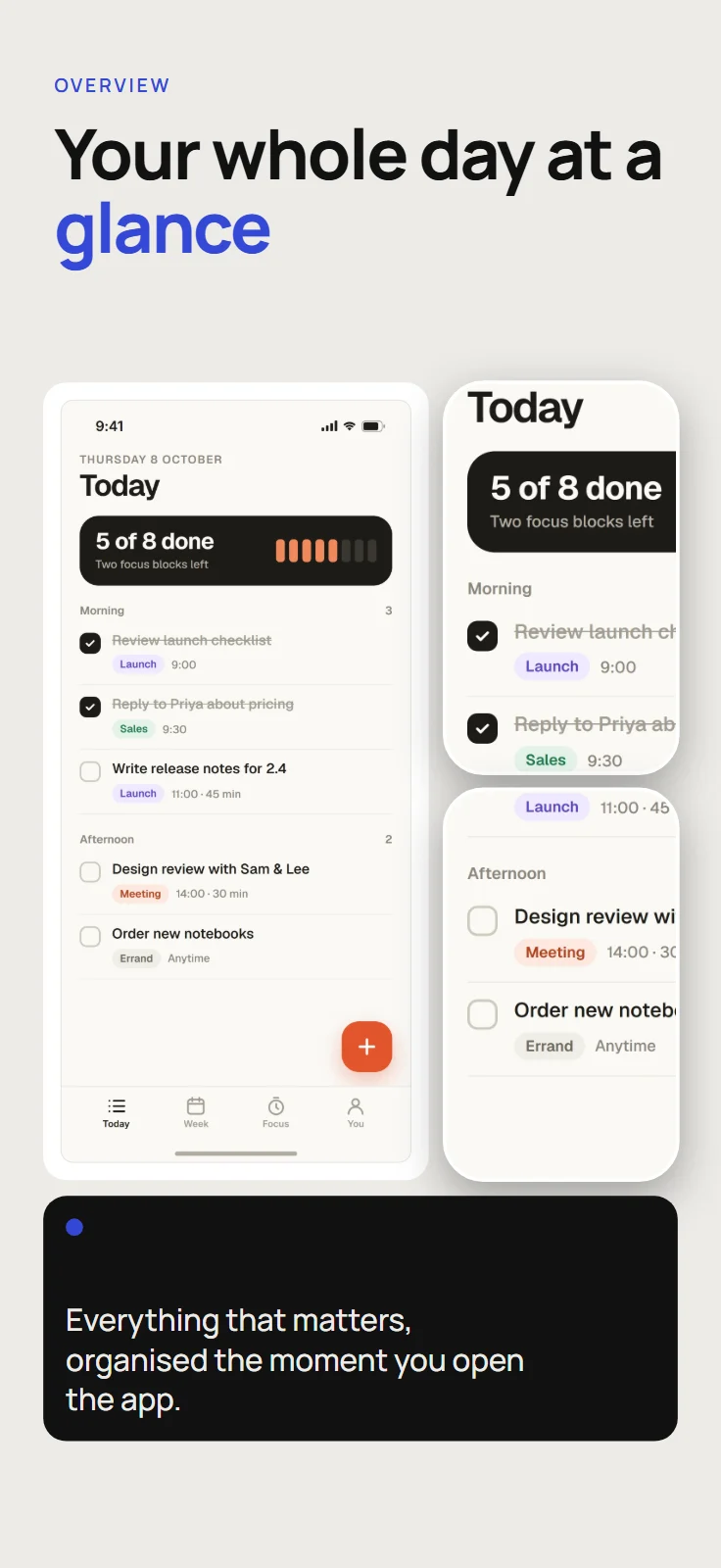
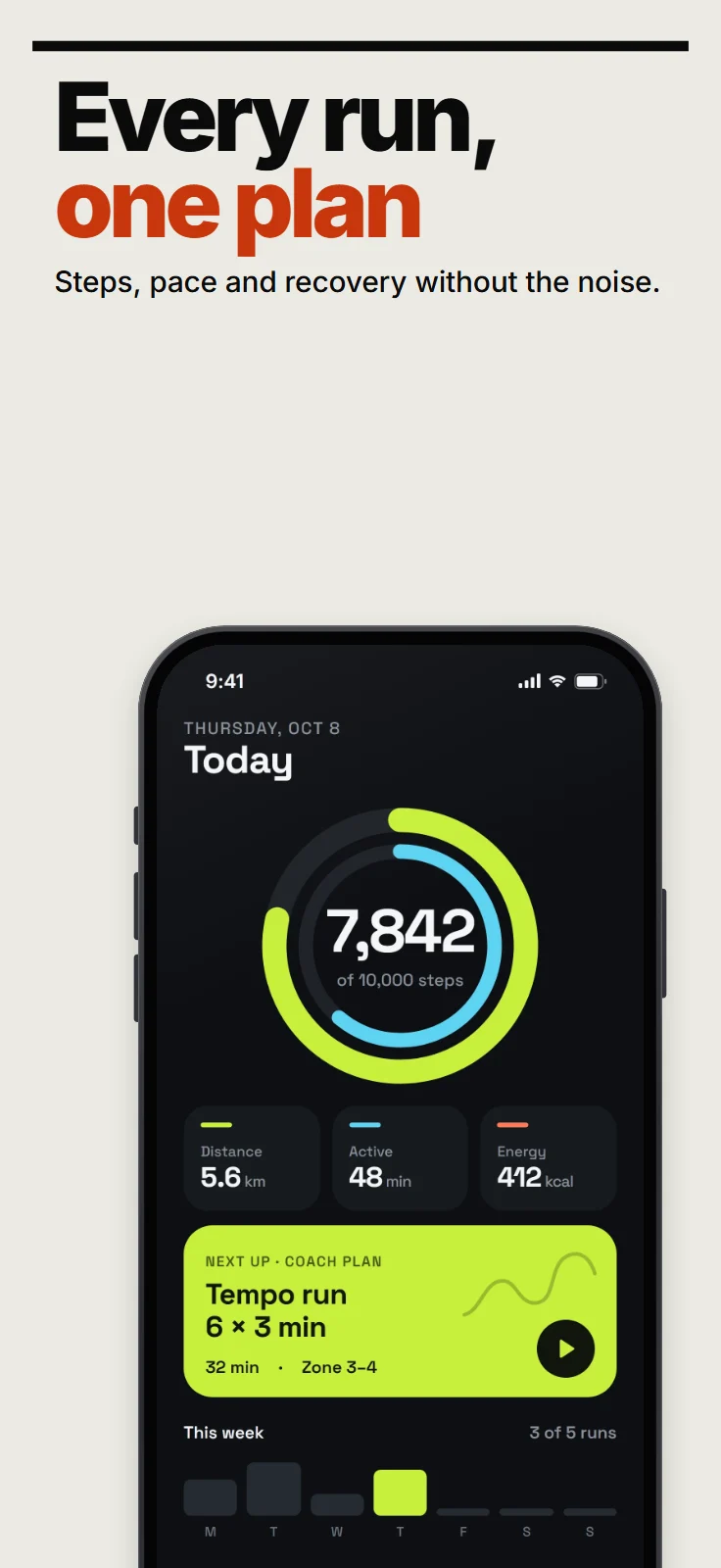
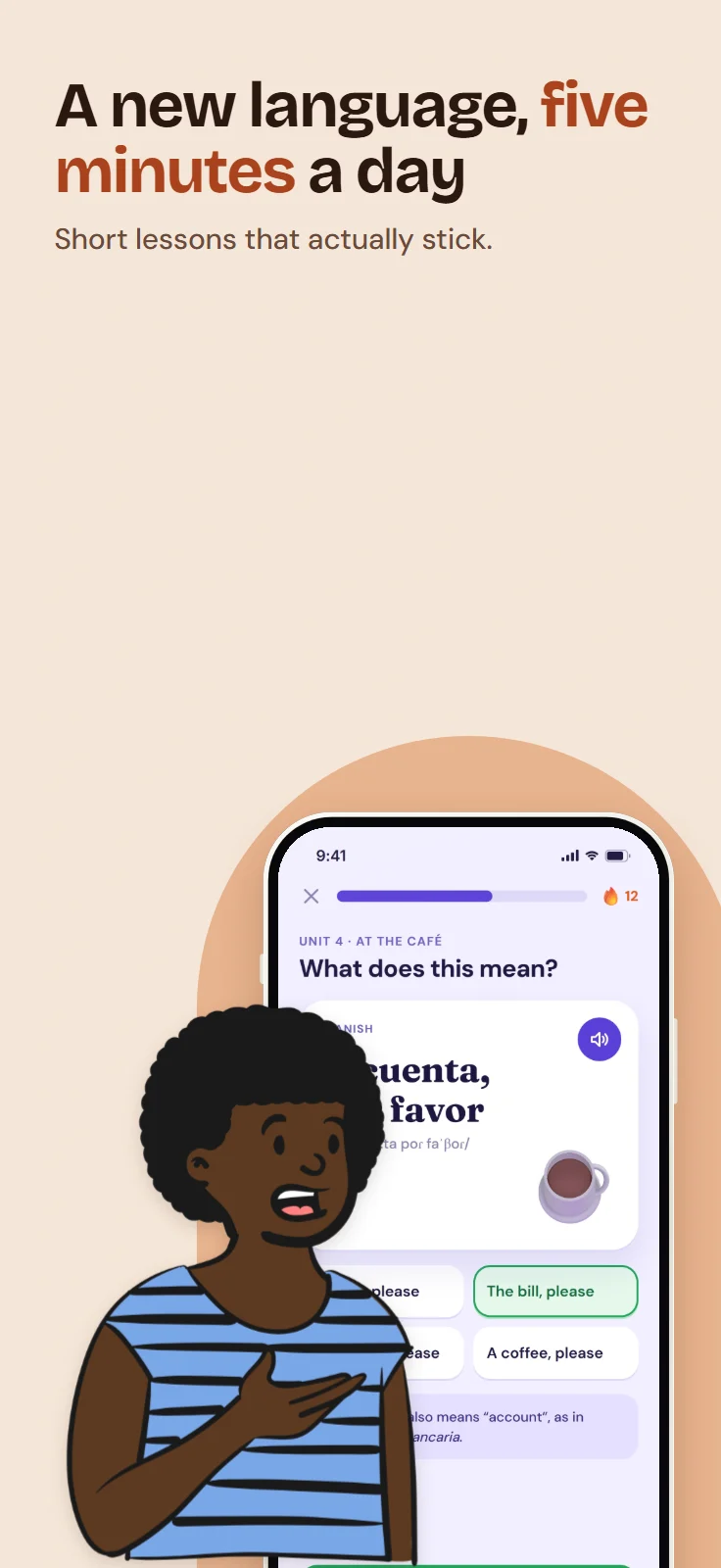
Every size, in one place.
Apple scales your largest set down for smaller displays when the interface is the same, so most apps upload one iPhone set and, if they run on iPad, one iPad set. Landscape sizes are the same pairs turned on their side.
iPhone
| Display | Devices (a few) | Accepted portrait sizes, px | Notes |
|---|---|---|---|
| 6.9″ | iPhone Air, 18 Pro Max, 17 Pro Max, 16 Pro Max, 16 Plus, 15 Pro Max |
| Highest resolution; Apple scales it down for smaller iPhones |
| 6.5″ | iPhone 14 Plus, 13 Pro Max, 12 Pro Max, 11 Pro Max, 11, XS Max, XR |
| Needed only if you don’t provide 6.9″ |
| 6.1″ | iPhone 18 Pro, 17 Pro, 17, 16 Pro, 16, 15 Pro, 15, 14 Pro |
| Named as the required iPhone size in Apple’s summary |
| 5.8″ | iPhone 17e, 16e, 14, 13 and 12 ranges, 11 Pro, XS, X |
| |
| 5.5″ | iPhone 8 Plus, 7 Plus, 6S Plus, 6 Plus |
| |
| 4.7″ | iPhone SE (2nd and 3rd generation), 8, 7, 6S, 6 |
|
Exported by ShipShots
iPad
| Display | Devices (a few) | Accepted portrait sizes, px | Notes |
|---|---|---|---|
| 13″ | iPad Pro 13″ (M5, M4) and 12.9″ (3rd to 6th generation), iPad Air 13″ |
| Required if your app runs on iPad |
| 12.9″ | iPad Pro 12.9″ (2nd generation) |
| |
| 11″ | iPad Pro and iPad Air 11″, iPad (A16, 10th generation), iPad mini (A17 Pro, 6th generation) |
| |
| 10.5″ | iPad Pro 10.5″, iPad Air (3rd generation), iPad (7th to 9th generation) |
| |
| 9.7″ | iPad Pro 9.7″, iPad Air 2, iPad (3rd to 6th generation), iPad mini 2 to 5 |
|
Exported by ShipShots
Older 4″ and 3.5″ iPhone sizes and iPhone Duo are left out. The export dialog pre-selects iPhone 6.9″ (1320 × 2868), iPhone 6.1″ (1206 × 2622), iPad 13″ (2064 × 2752), which covers what Apple requires; iPad only if your project includes it.
Why uploads get rejected.
Most rejected screenshots fail on one of a few rules. Here is each one, and what ShipShots does about it.
A size Apple doesn’t list
App Store Connect accepts only the exact pixel sizes in the tables above, in portrait or landscape. Anything else is refused at upload.
In ShipShots: export sizes come from Apple’s list, and the store check marks any other size as an error before you export.
An alpha channel
Screenshots can be PNG or JPEG, but a PNG with an alpha channel is rejected, even when every pixel is opaque.
In ShipShots: PNGs for App Store sizes are written without an alpha channel.
The wrong format
PNG and JPEG are the only formats App Store Connect takes for screenshots.
In ShipShots: WebP export exists for other uses, and the store check flags it on App Store sizes.
Too many screenshots
Each display size takes up to 10 screenshots per language.
In ShipShots: the store preview warns when a project has more than 10 screens.
Prices in the picture
Review Guideline 2.3.7 says screenshots shouldn’t include prices or unrelated terms.
In ShipShots: the store check flags text that looks like a price.
Other platforms
Guideline 2.3.10 rules out names and imagery of other mobile platforms in App Store metadata.
In ShipShots: text that mentions Android, Google Play and similar names is flagged on App Store designs.
Title art instead of the app
Guideline 2.3.3 asks for screenshots that show the app in use, not just a splash screen or login page. Text and image overlays are allowed.
In ShipShots: every template is laid out around your own app screens.
Altered Apple devices
Apple’s marketing guidelines ask for its official product bezels, used as they are, and rule out drawn simulations of its devices.
In ShipShots: the built-in frames are generic rather than iPhone lookalikes, and you can import Apple’s own bezel as a custom frame.
From one design to every size.
Add your screens
Drop in PNG, JPEG or WebP screenshots from your app. They’re read by your browser and never uploaded.
Pick a layout
Choose one of 20 templates for iPhone, in portrait or landscape, and lay the set out for iPad from the same design.
Write and adjust
Change the headline, colours and fonts, add highlights or a device frame, and move anything on the canvas.
Export
Download PNG or JPEG at the sizes Apple lists, one image at a time or as a ZIP of the whole set.
Questions, answered.
- Which iPhone screenshot size does Apple require?
- App Store Connect asks for at least one set for iPhones with Dynamic Island. The 6.9″ size (1320 × 2868) is the highest resolution, and Apple scales it down for smaller iPhones; the summary on the same page names 6.1″ (1206 × 2622). ShipShots exports both from one design.
- Do I need iPad screenshots?
- Only if your app runs on iPad. Then you need at least one set for the 13″ iPad: 2064 × 2752 or 2048 × 2732 in portrait.
- Why does App Store Connect reject my PNG?
- Usually because it has an alpha channel, or because its pixel size isn’t one Apple lists. ShipShots writes PNGs without alpha, at listed sizes only.
- How many screenshots can I upload?
- Up to 10 for each display size, per language.
- Can I use device frames?
- Apple asks that marketing images use its official product bezels, unmodified. ShipShots’ built-in frames are deliberately generic rather than Apple lookalikes, and you can import Apple’s own bezel image as a custom frame.