Free App Store & Google Play screenshot generator Store screenshots, properly made.
Drop in raw screenshots, choose one of 20 layouts, adjust anything on a full canvas, and export every size Apple and Google ask for. It runs in your browser — free, with no account and no watermark.
- No account
- No watermark
- Screenshots stay on your device
Indie developers
A store page that doesn’t look like a side project, without hiring a designer for it.
Studios
A consistent look across every app you ship, kept as project files you can reuse next release.
Agencies
One design laid out for each device and store, plus a project file to hand to the client.
Product teams
New copy for a release in minutes, laid out the same way as last time.
Four steps, no detours.
Upload
Drop in PNG, JPEG or WebP screenshots. They’re read by your browser and never sent anywhere.
Choose
Pick one of 20 templates and a visual style. Every preview uses your own screens.
Customize
Change the words, colours, fonts and device; add highlights, arrows, shapes and library art.
Export
Download PNG or JPEG (and WebP where the browser can encode it) at the App Store and Google Play sizes — one image or a ZIP of the set.
Same screen, ready for the store.
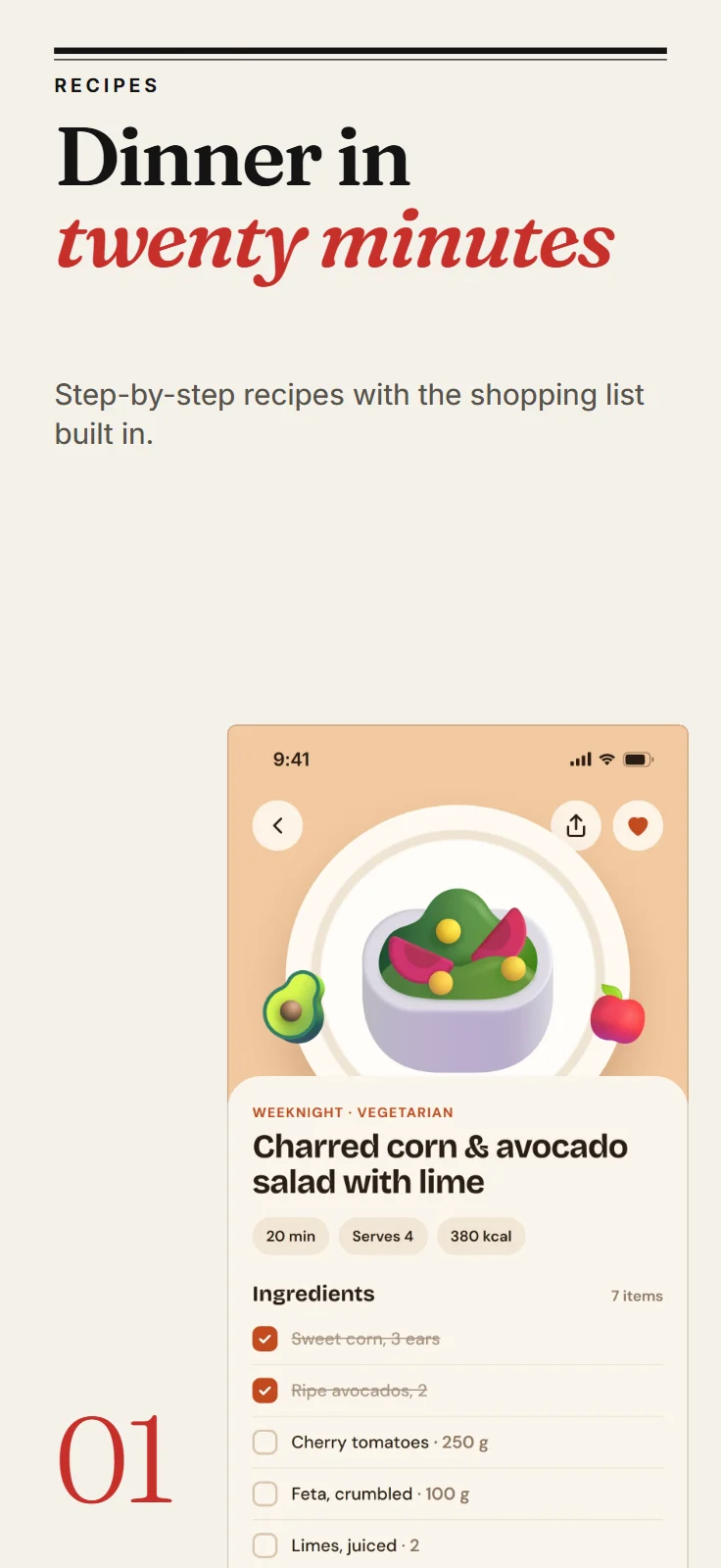
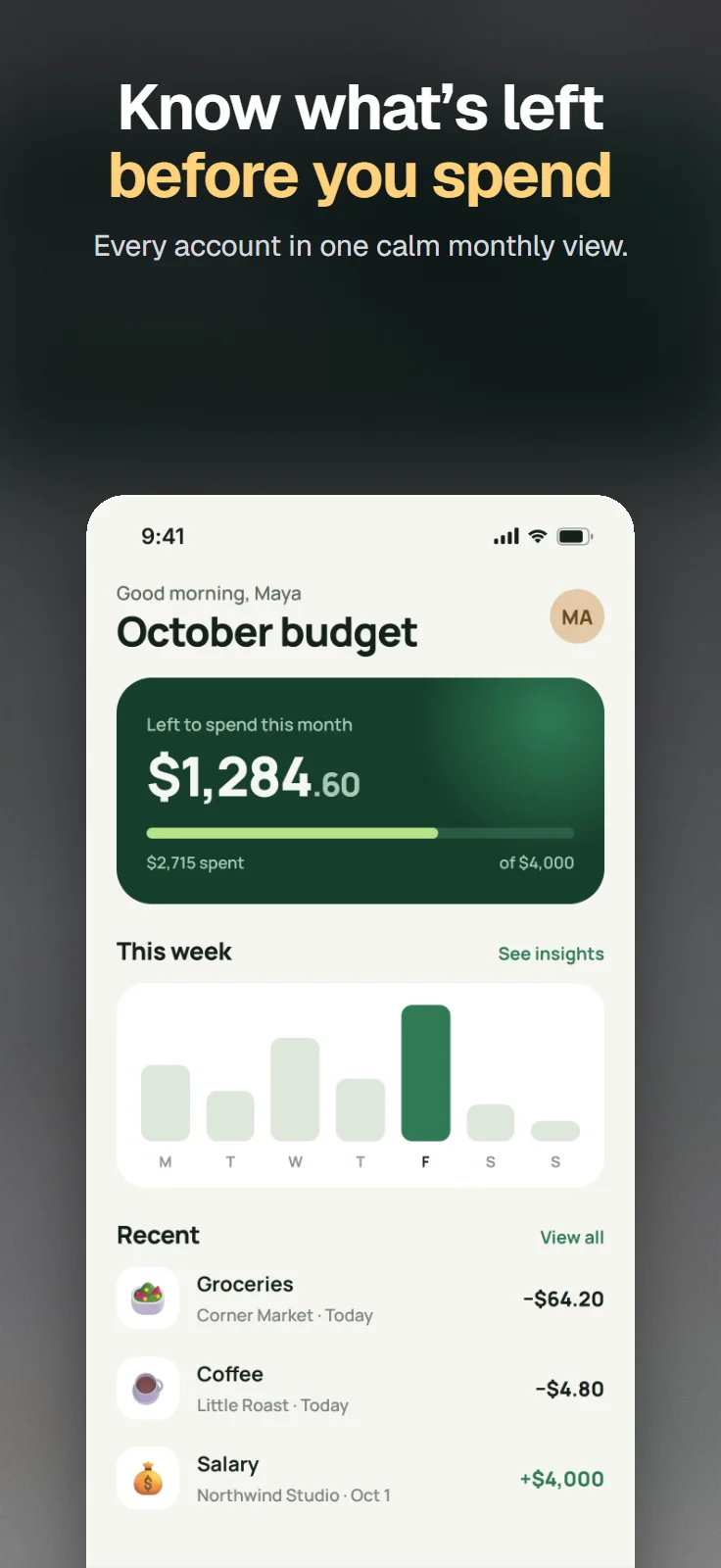
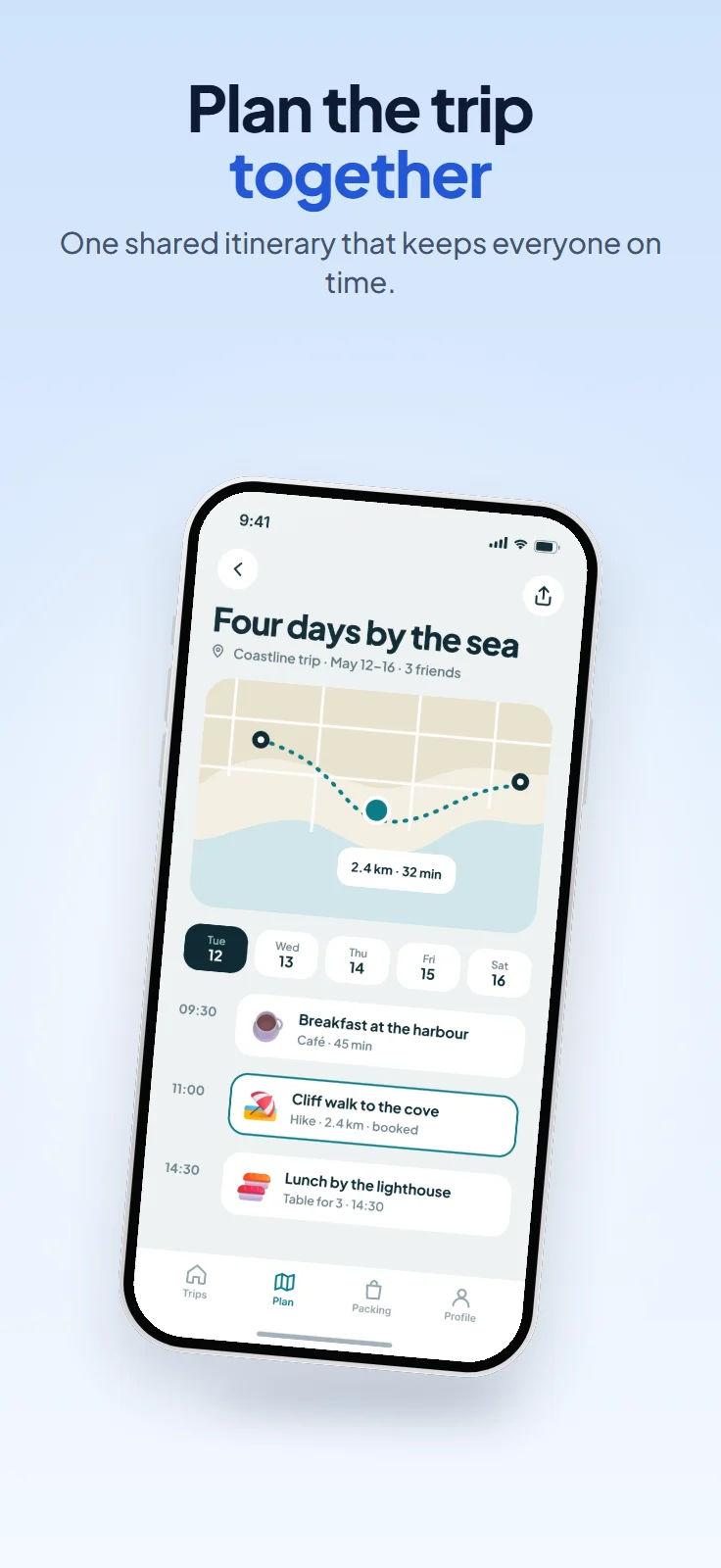
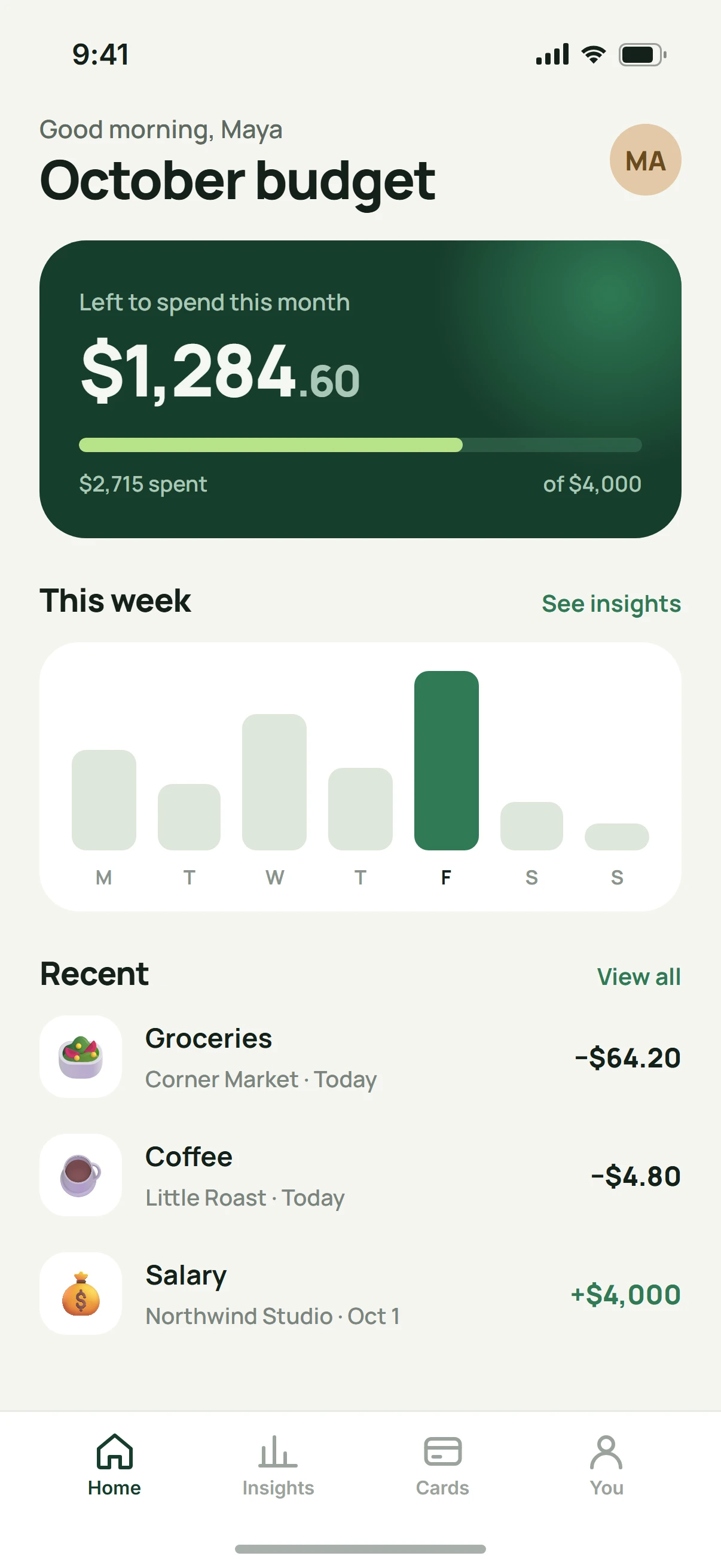
Six invented apps, each dropped into a template with its own words. Nothing else was touched.
20 templates, each its own idea.
Not one layout in twenty colours: each places the device, the words and the light differently. Every picture here is a real template, rendered by the app.
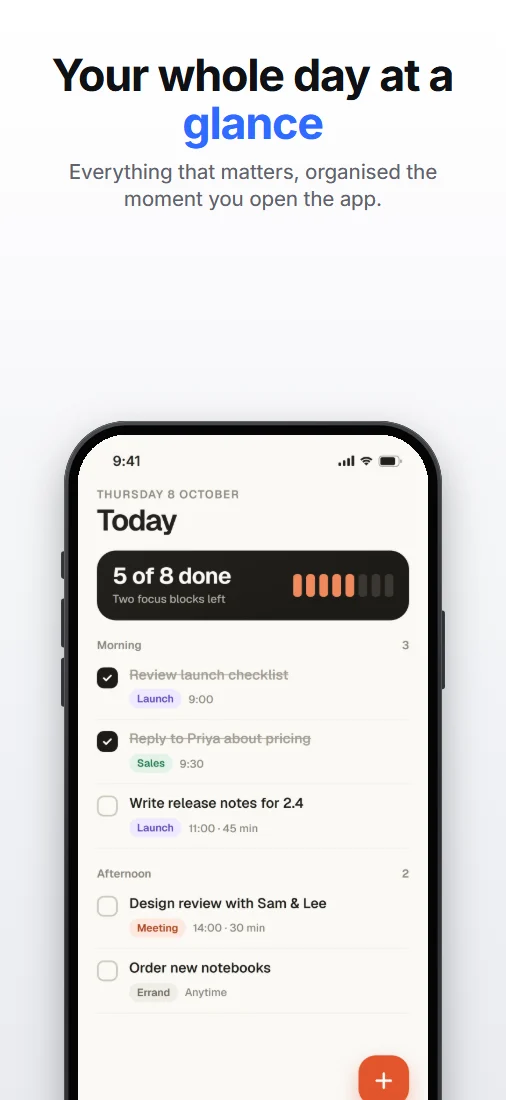
Keynote
Minimal Suits almost any app
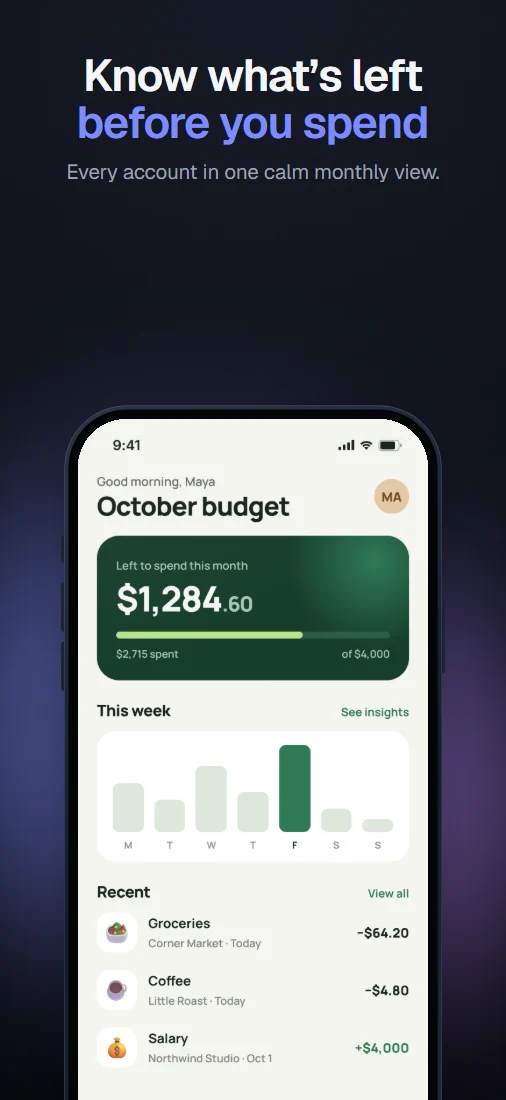
Midnight
Dark Premium and cinematic
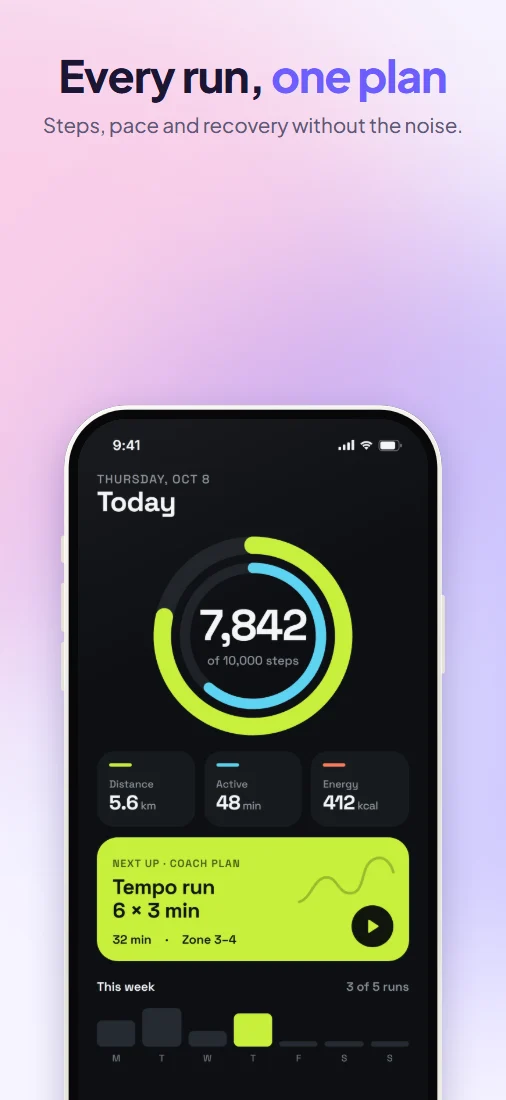
Aurora
Soft Colour that flows across the set
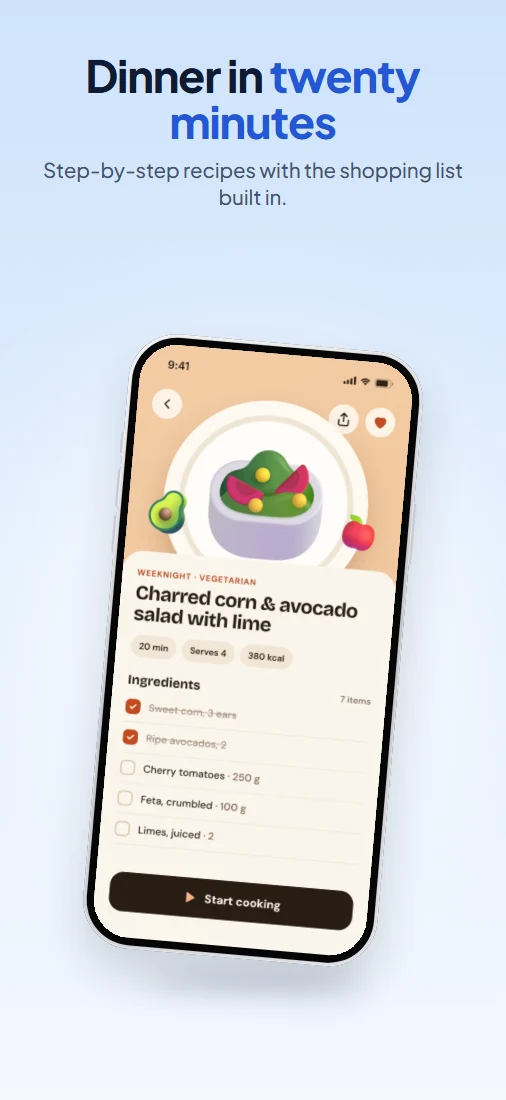
Float
Soft Calm, everyday apps
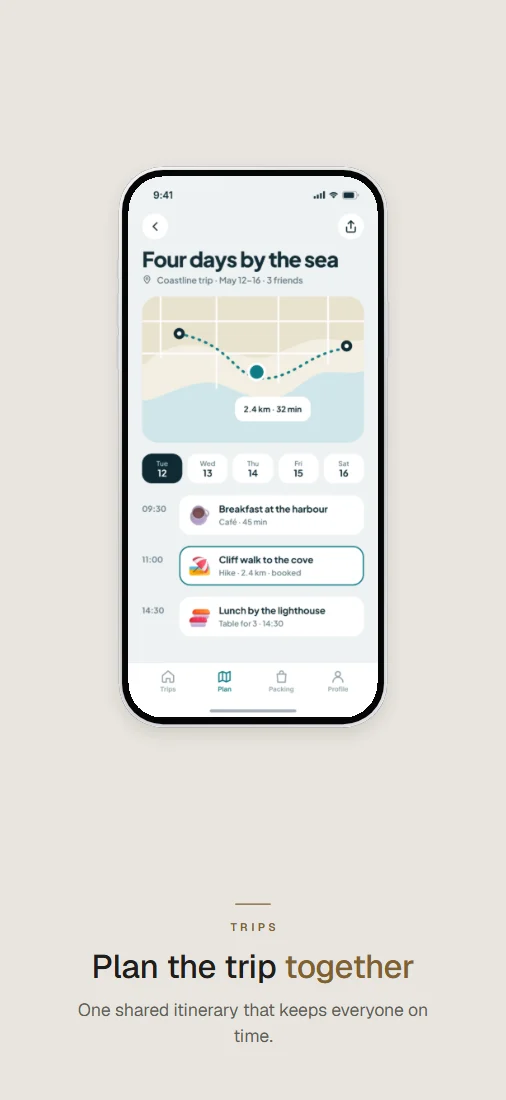
Quiet
Minimal Generous space, understated type
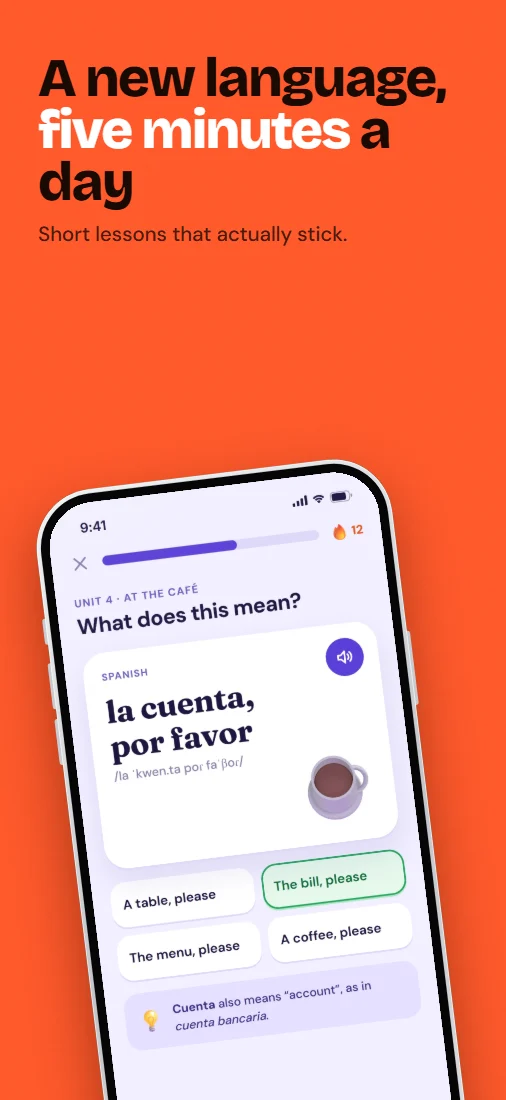
Poster
Bold Apps with personality
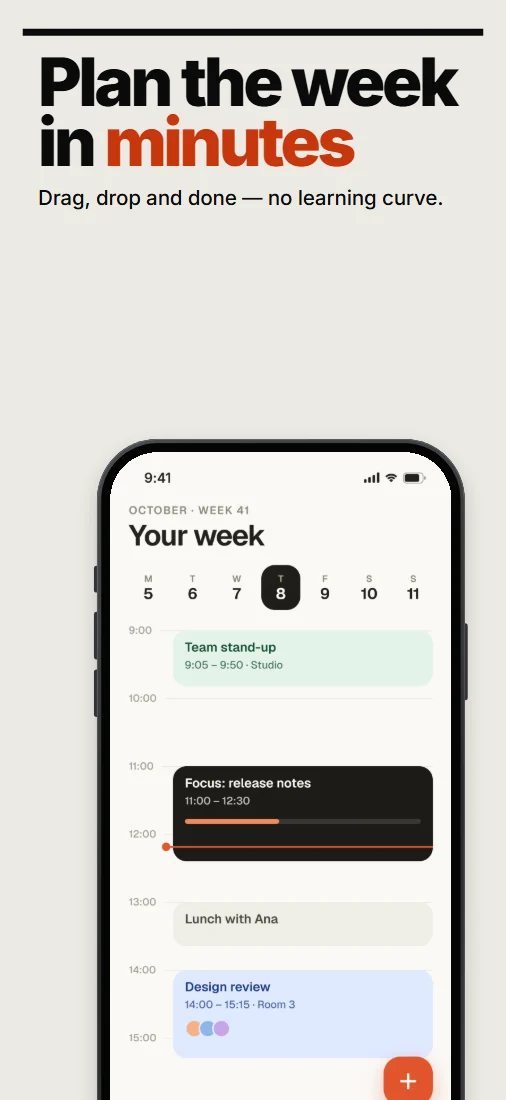
Bold Type
Bold When the message leads
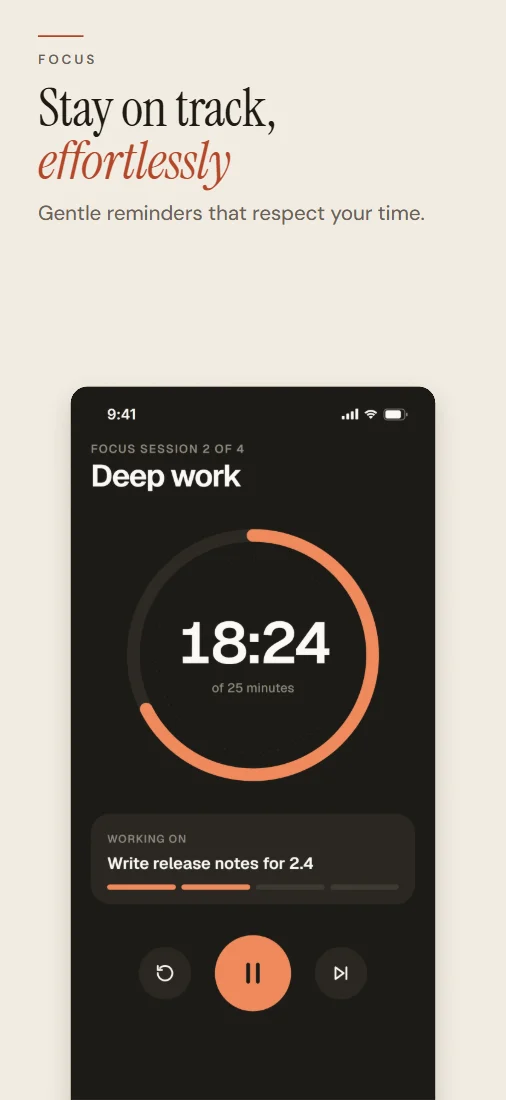
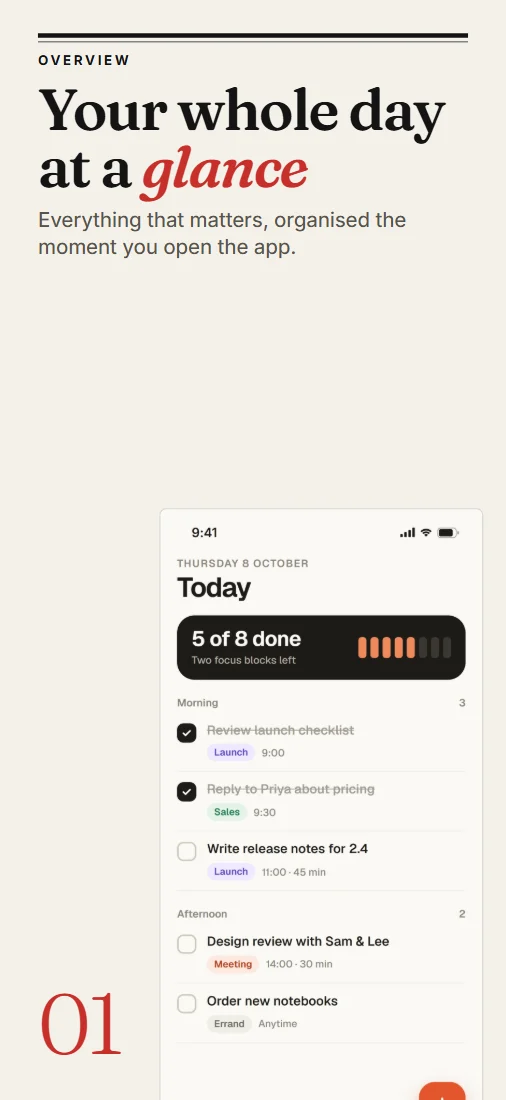
Editorial
Editorial Reading, food and travel
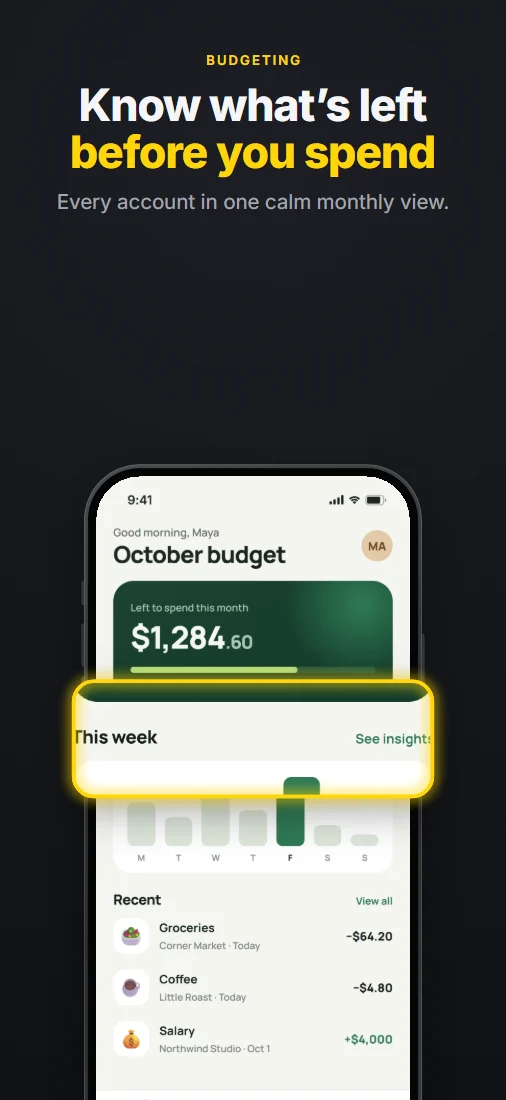
Magazine
Editorial News, reading and culture
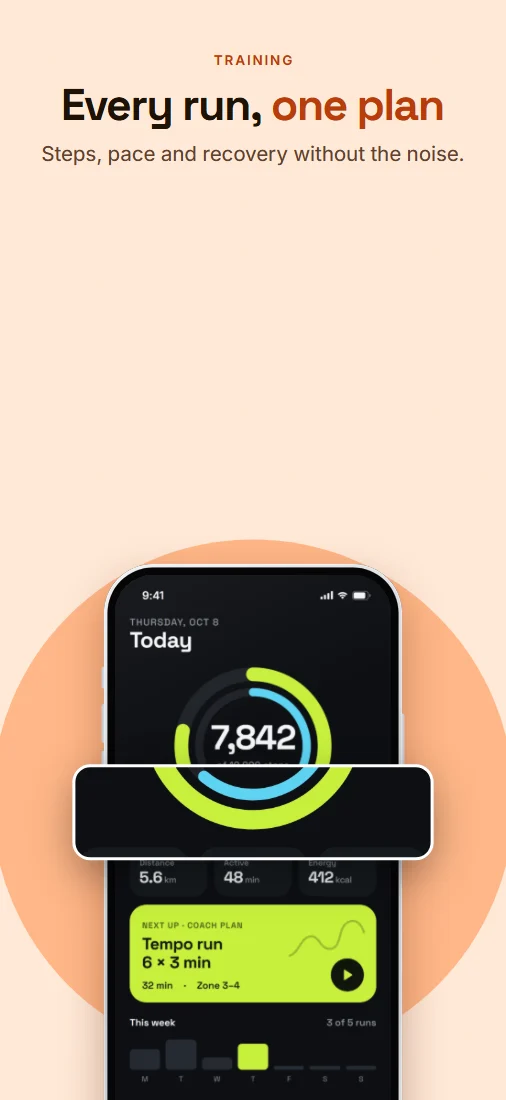
Spotlight
Dark A lens on one feature
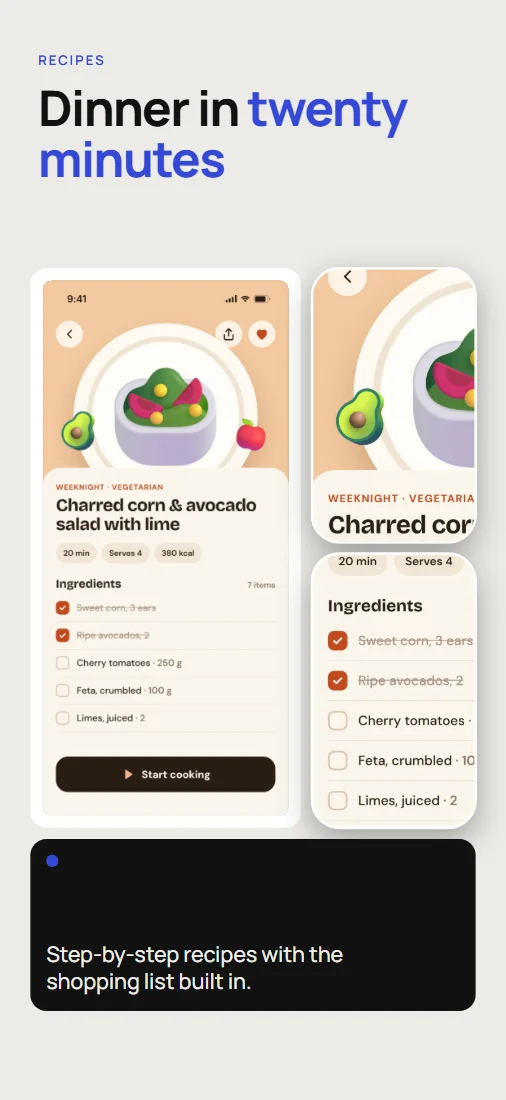
Pop-out
Bold Your hero feature, breaking out
Bento
Minimal Feature-rich apps
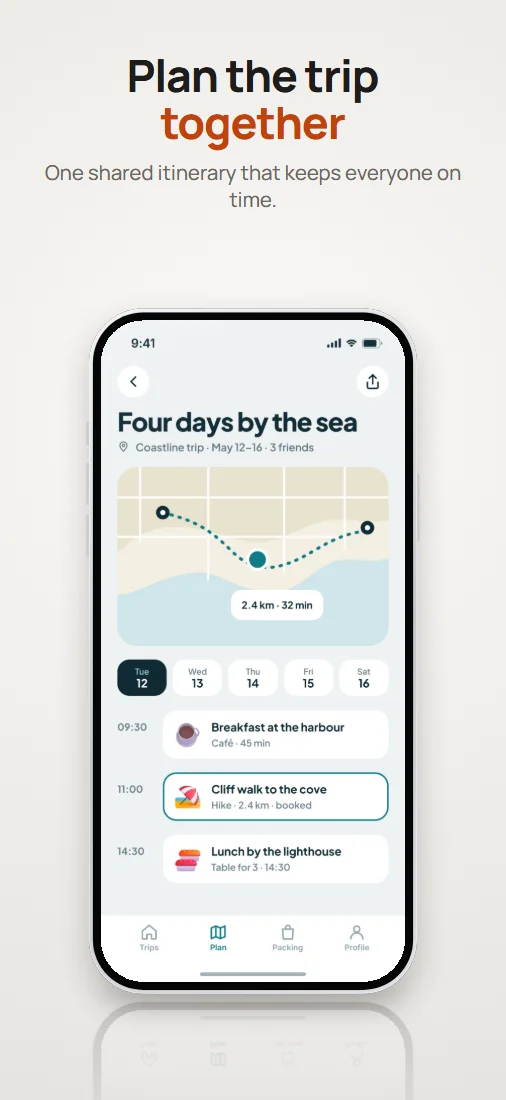
Studio
Minimal The device as a product
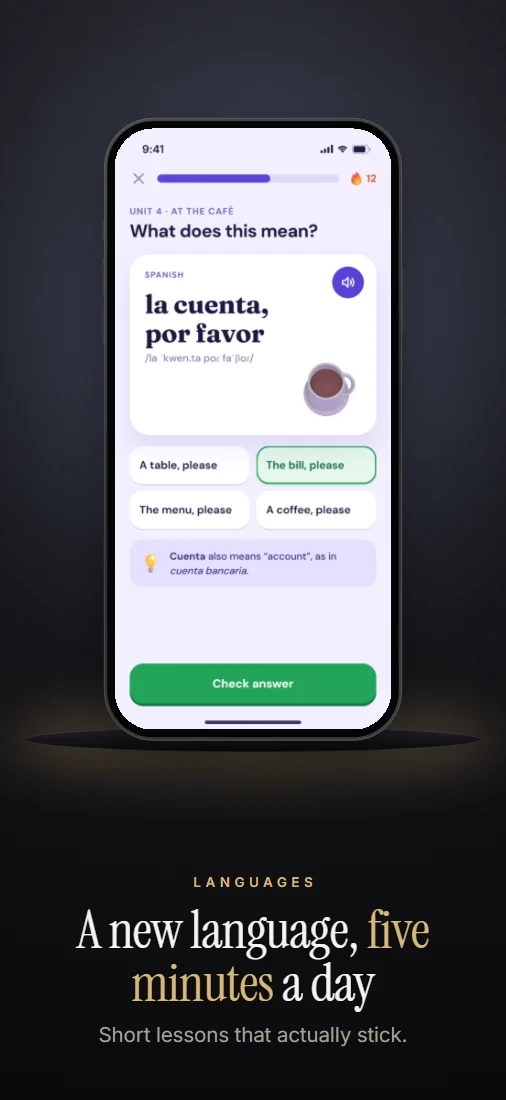
Showroom
Dark Premium products
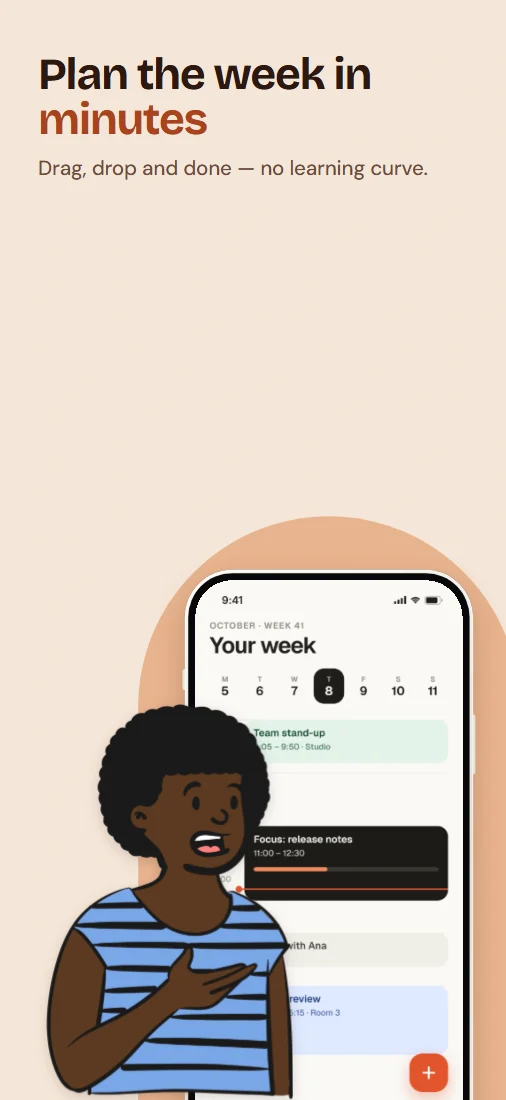
People
Soft Community, health and services
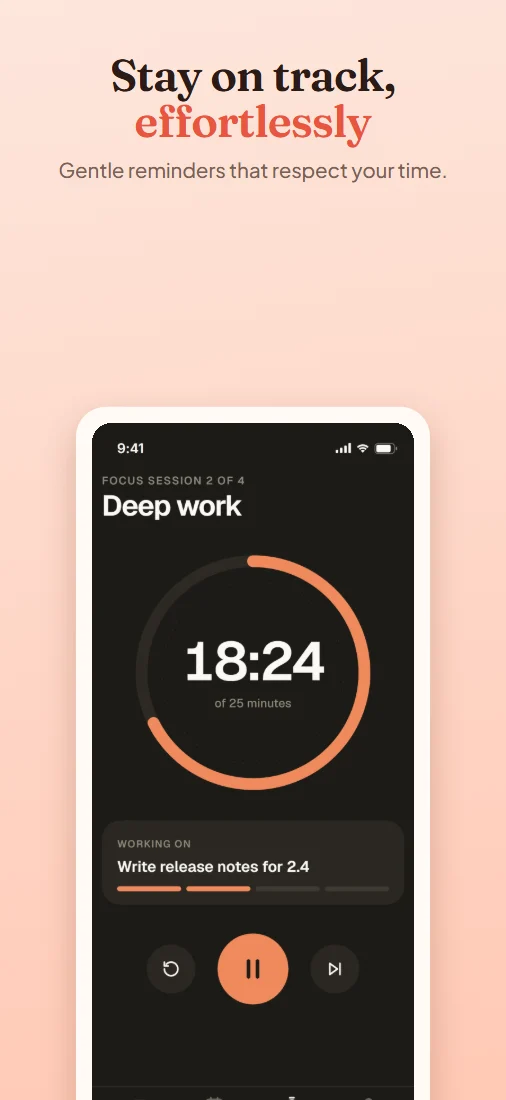
Soft Card
Soft Family, kids and wellness
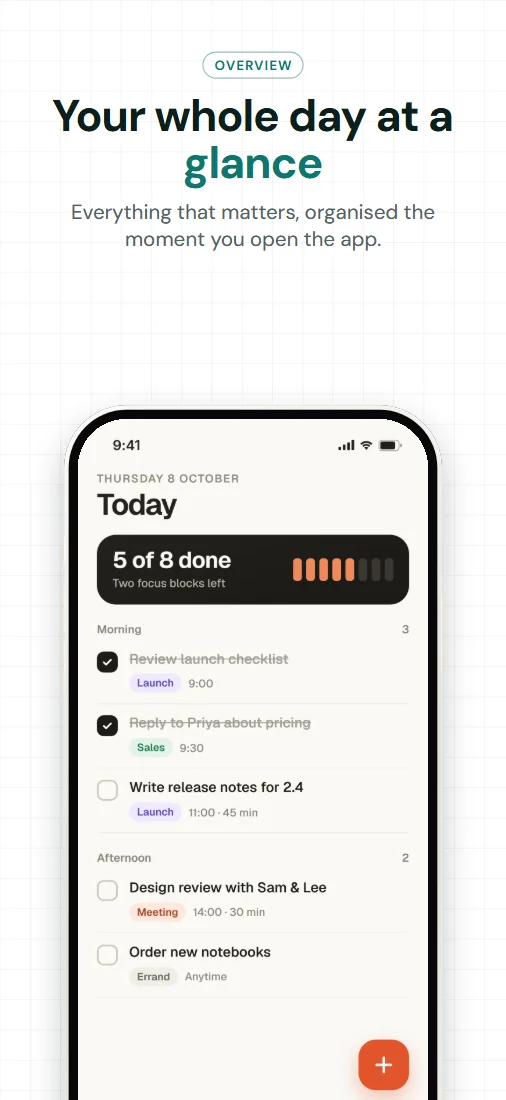
Ledger
Technical Finance and productivity
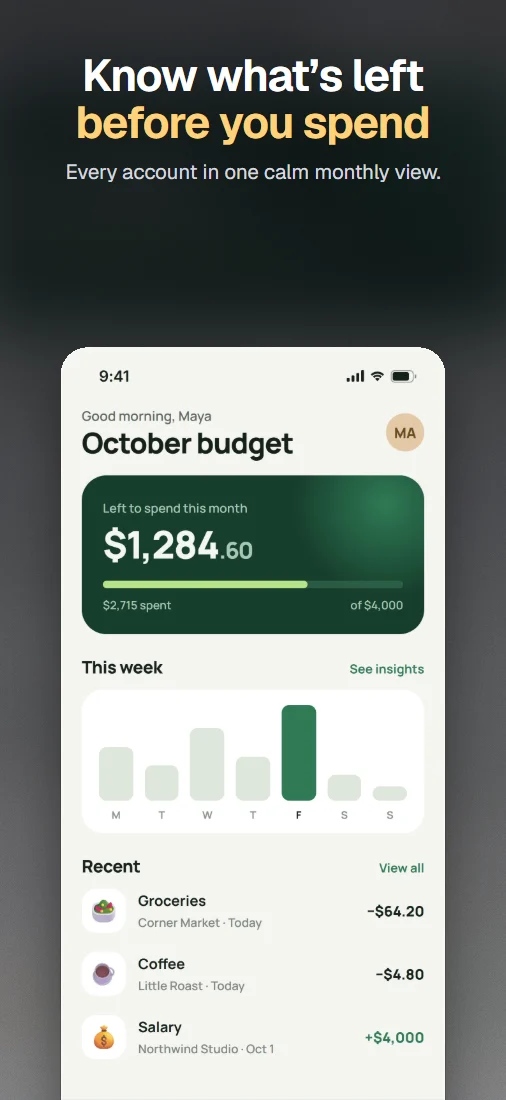
Glass
Soft Colours taken from your app
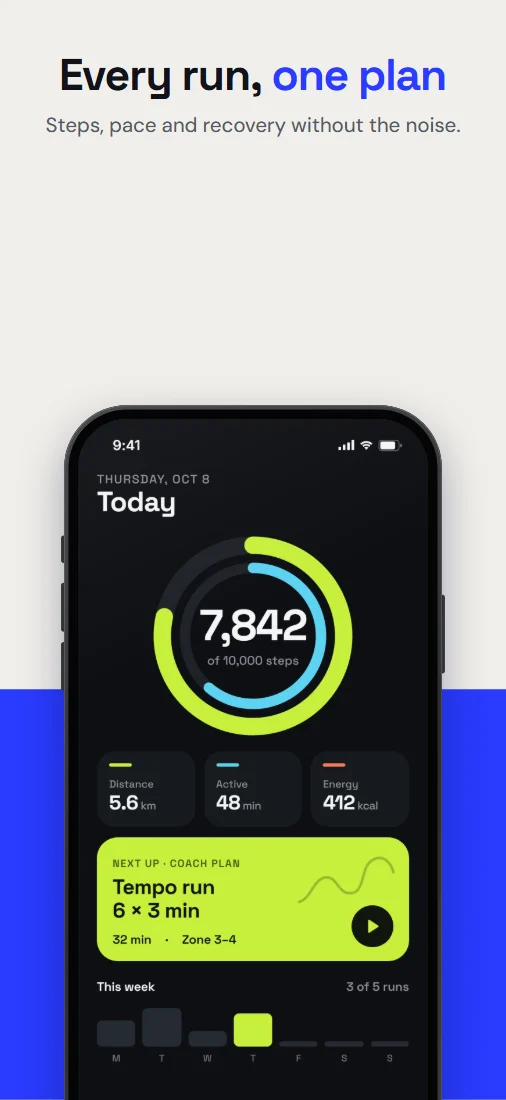
Duotone
Bold Graphic and confident
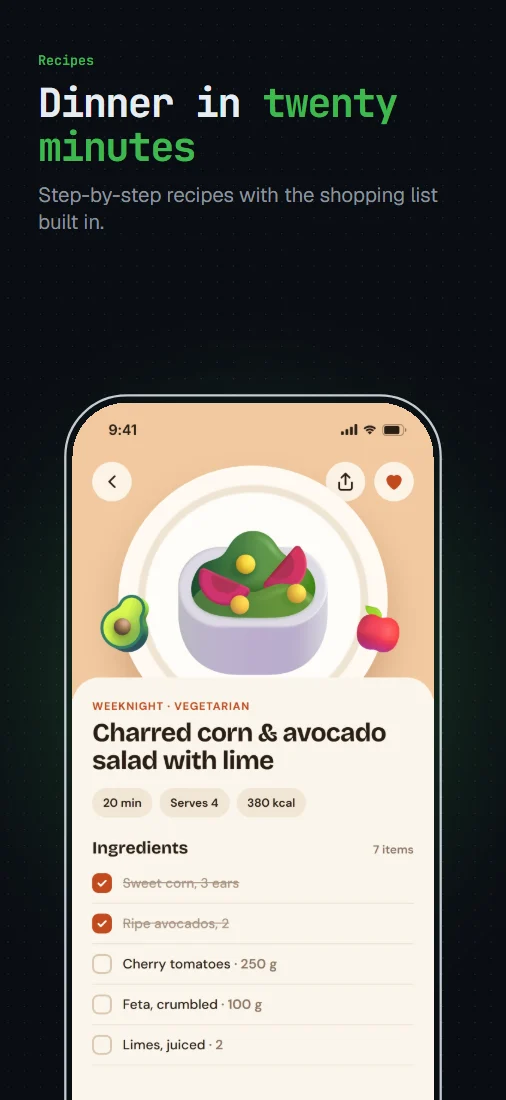
Terminal
Technical Developer tools and AI apps
One layout, many moods.
A style recolours a template without moving anything. Here is Float in 6 of them.
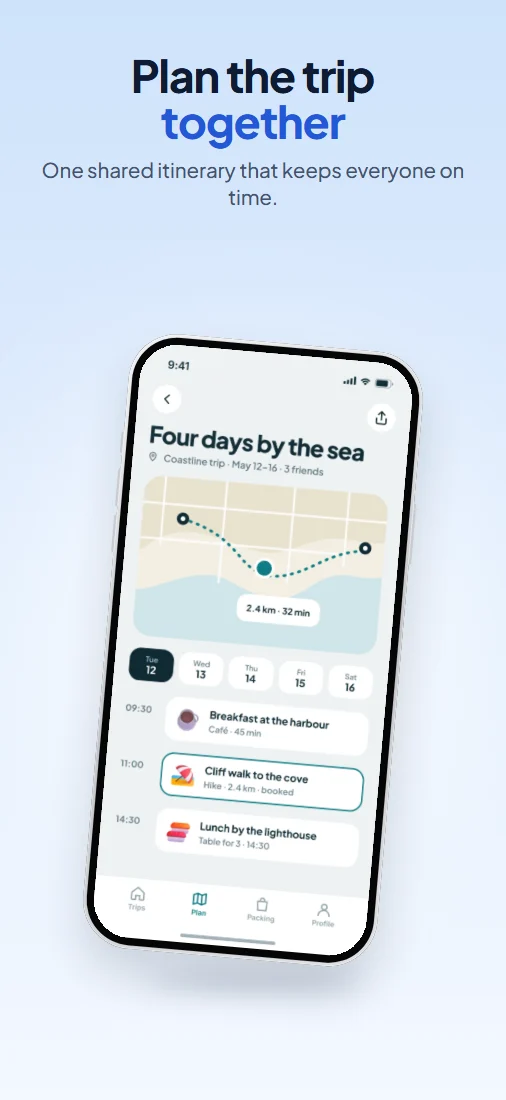 Original
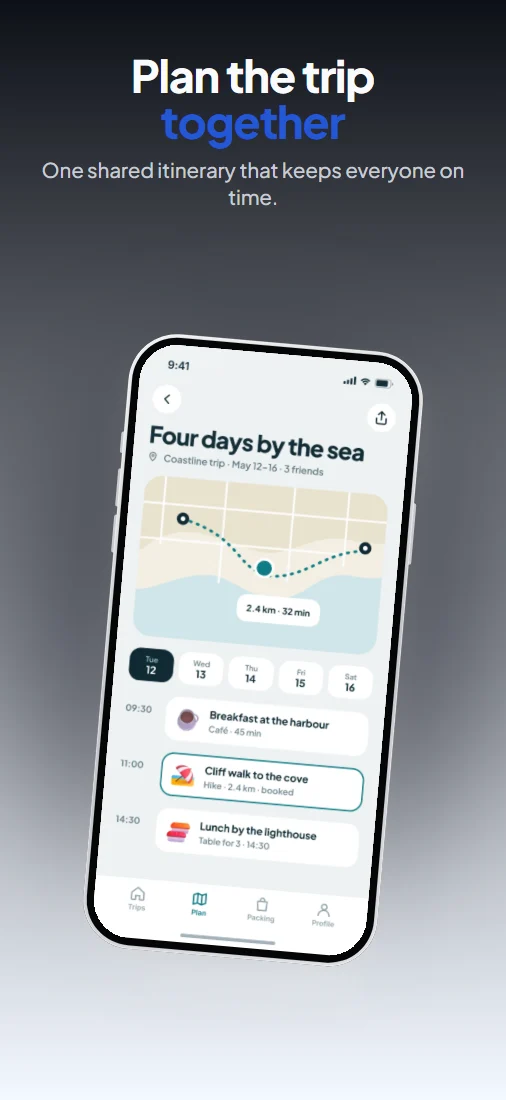 Dark
Dark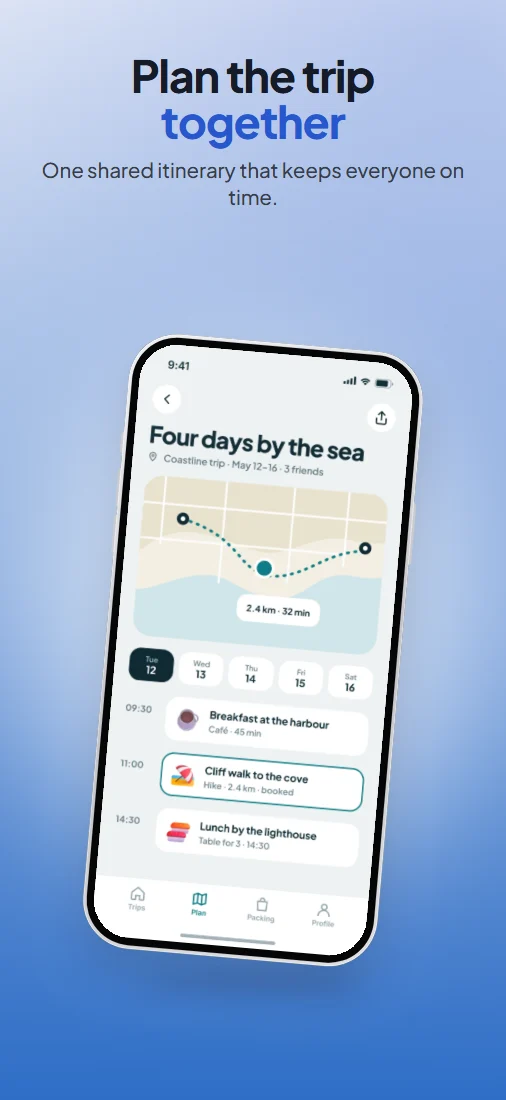 Soft
Soft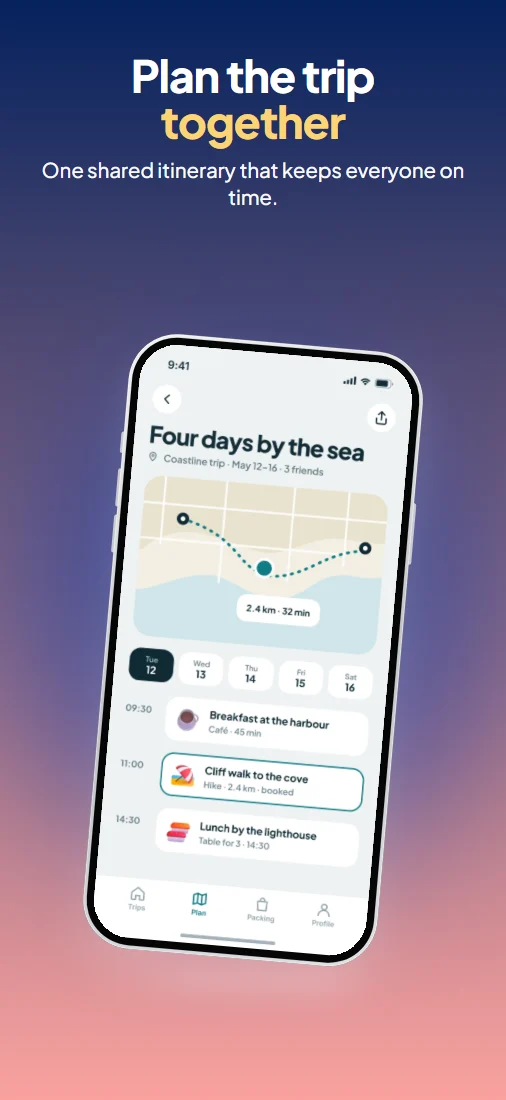 Vibrant
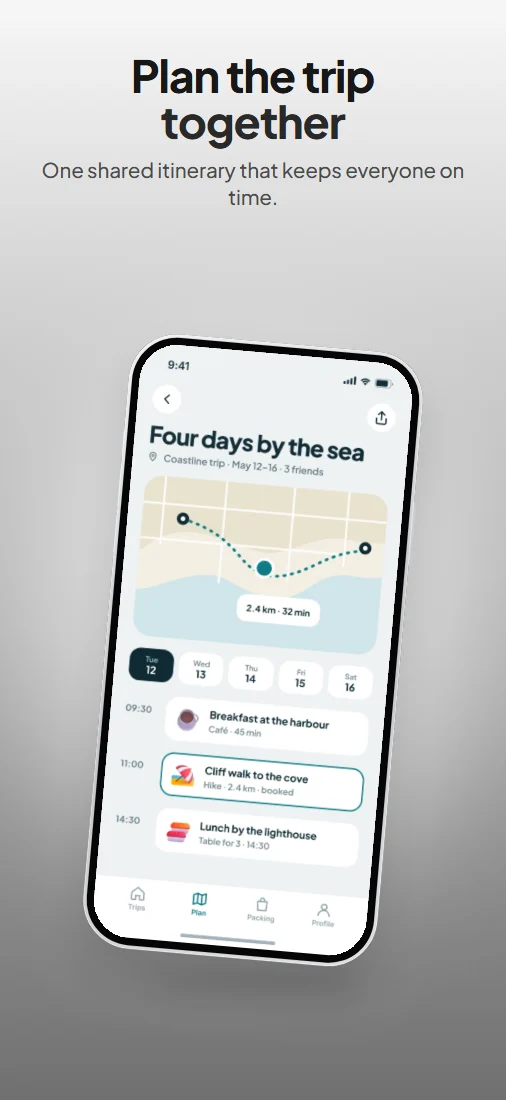 Monochrome
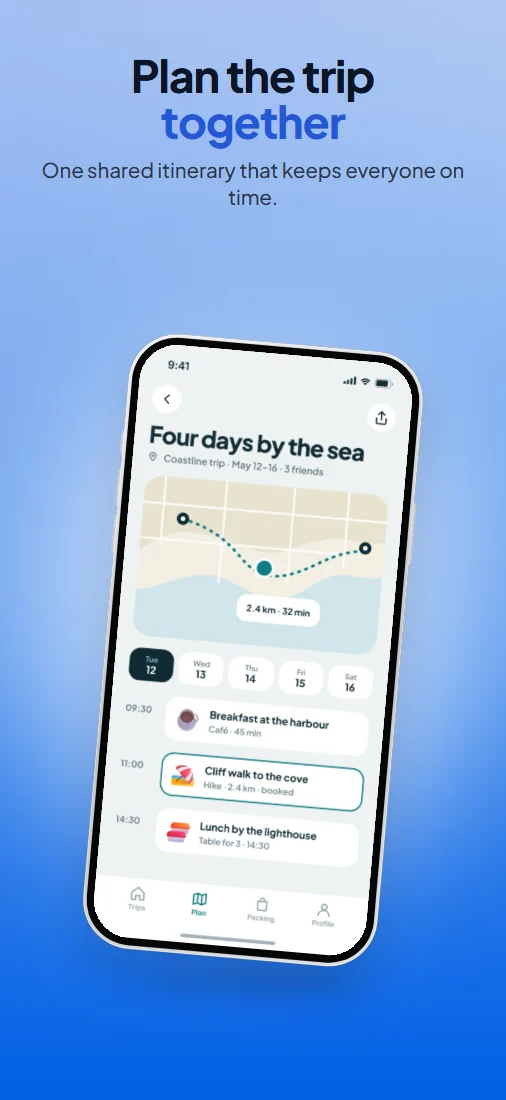 Gradient
An editor, not a form.
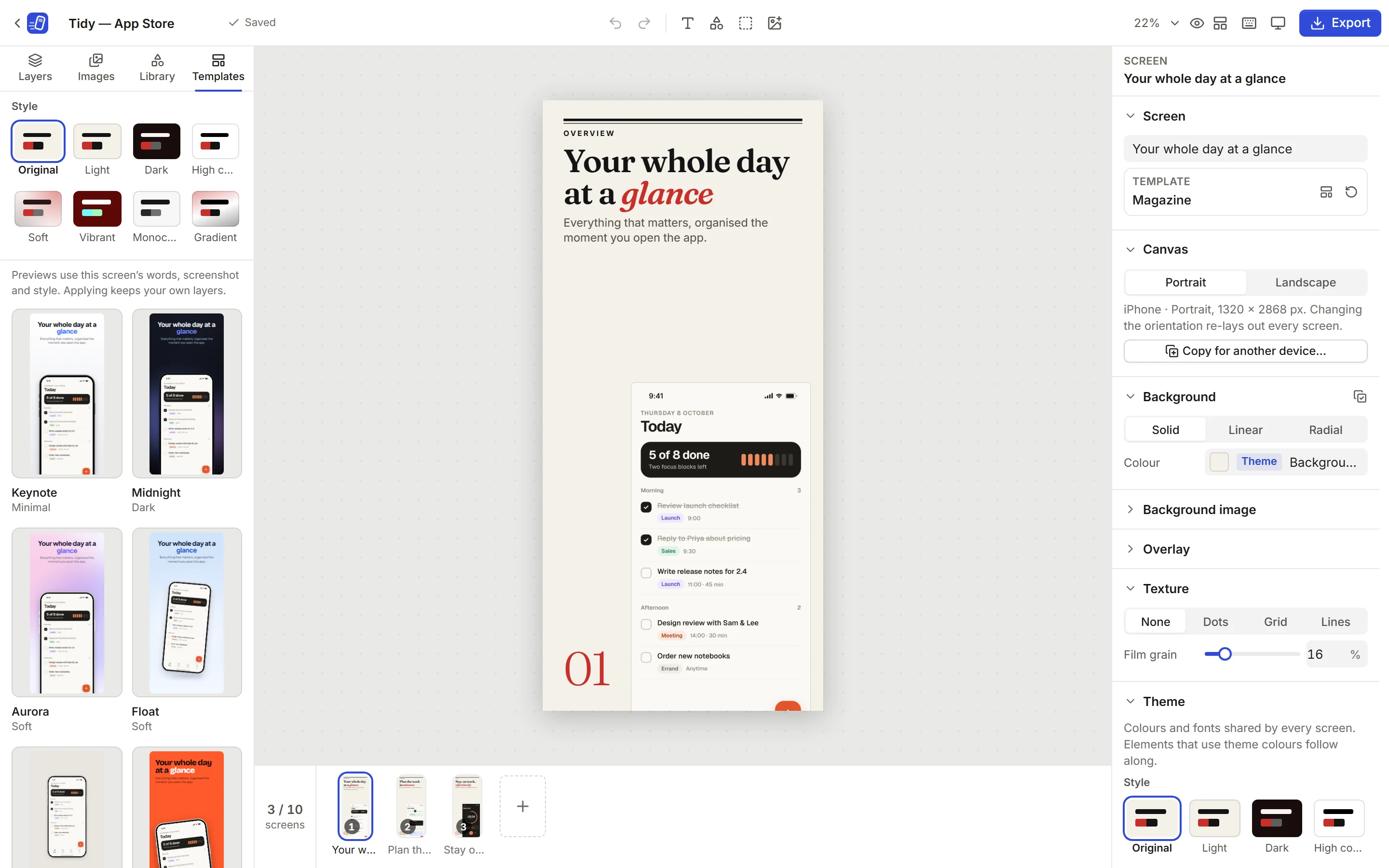
A real canvas
Move, resize and rotate anything, with snapping guides, layers and undo. Templates are a starting point, not a cage.
Highlights and magnifiers
Ring, box or enlarge a piece of the interface. They stay on the same UI when you change layout or device.
A library of art
Over 250 illustrated people, emoji, icons and shapes, all openly licensed and bundled with the app.
Cut-outs on your device
Lift a product shot or portrait off a plain backdrop, in the browser. Busy photos are declined rather than cut badly.
Store checks
Pixel sizes, formats, file weight and wording the stores reject, such as prices, are checked before you export.
Every device from one design
Re-lay a finished set out for iPad or Android in one step; anything you added by hand scales across.
Built for developers.
$ npm install
$ npm run build
# dist/ — static files, host them anywhere
Static files, no backend
The build is a folder of files. Serve it from any static host — routes live in the URL fragment, so no rewrite rules are needed.
Locked down
A Content Security Policy that only allows connections to the site itself, with Trusted Types enforced for the DOM.
Open project files
A project is a ZIP of JSON and images, versioned and validated when it’s opened.
Exact output
PNGs are written without an alpha channel, at the exact pixel sizes each store lists.
Free, and private by construction.
No account
No sign-up, no email, no login. Open the page and start.
No watermark
Nothing is stamped on what you export.
Nothing uploaded
Screenshots are decoded, edited and exported in this browser. The page’s security policy blocks connections to any other site.
No tracking
No analytics, no ads, nothing loaded from other sites. Fonts and art ship with the app.
Questions, answered.
- What is ShipShots?
- A free App Store and Google Play screenshot generator that runs in your browser. Add your app’s screenshots, pick one of 20 templates, edit everything on a canvas and export at the sizes each store accepts.
- Is it really free?
- Yes. There’s no paid plan, no export limit and no watermark on anything you export.
- Do I need an account?
- No. There’s no sign-up, email or login. Open the page and start.
- Can it make App Store screenshots?
- Yes: iPhone at 6.9″ (1320 × 2868) and 6.1″ (1206 × 2622), and iPad at 13″ (2064 × 2752), in portrait or landscape. PNGs are written without an alpha channel, which App Store Connect requires. App Store sizes and rules
- Can it make Google Play screenshots?
- Yes: phone and tablet screenshots (1440 × 2560 or 1080 × 1920, and landscape) and the 1024 × 500 feature graphic, checked against Google’s size, ratio and file-size limits. Google Play sizes and rules
- Can I use my own screenshots?
- Yes. Drop in PNG, JPEG or WebP screenshots from your app, and every template preview uses them.
- Can I add text, device frames and highlights?
- Yes. Headlines and captions in your choice of fonts, generic phone and tablet frames (or your own frame image), highlights, magnifiers, arrows and shapes.
- Is there a library of people, emoji and icons?
- Over 250 illustrated people, emoji, icons and shapes ship with the app, all openly licensed (CC0, MIT and ISC).
- Can it remove a photo’s background?
- It can cut a product shot or portrait out of a plain backdrop, on your device. Photos with busy backgrounds are declined rather than cut badly.
- Are my screenshots uploaded anywhere?
- No. Files are processed in your browser and kept in its storage on this device. The site’s security policy blocks connections to other sites, and there’s no analytics.
- Can I export high-resolution images?
- Yes. Exports are full size, at the exact pixel dimensions the stores list — up to 1320 × 2868 for iPhone and 2160 × 3840 for Android tablets — as PNG, JPEG, or WebP where your browser can encode it, one image or a ZIP of the set.
Your screenshots are waiting.
Or drop screenshots anywhere on this page.